
PhotoSweep
Reclaim your storageFind the photos and videos eating your iPhone (the biggest files, the duplicates, the months you never cleaned out) and clear them in one pass. Every scan runs on your device, and nothing is deleted without your confirmation.
Coming to the App StoreBe the first to know
Join the waitlist and we'll send you one email when PhotoSweep hits the App Store. No spam, ever.
Get notified at launch
App Information
Quick facts about PhotoSweep for iOS
About PhotoSweep
What is PhotoSweep?
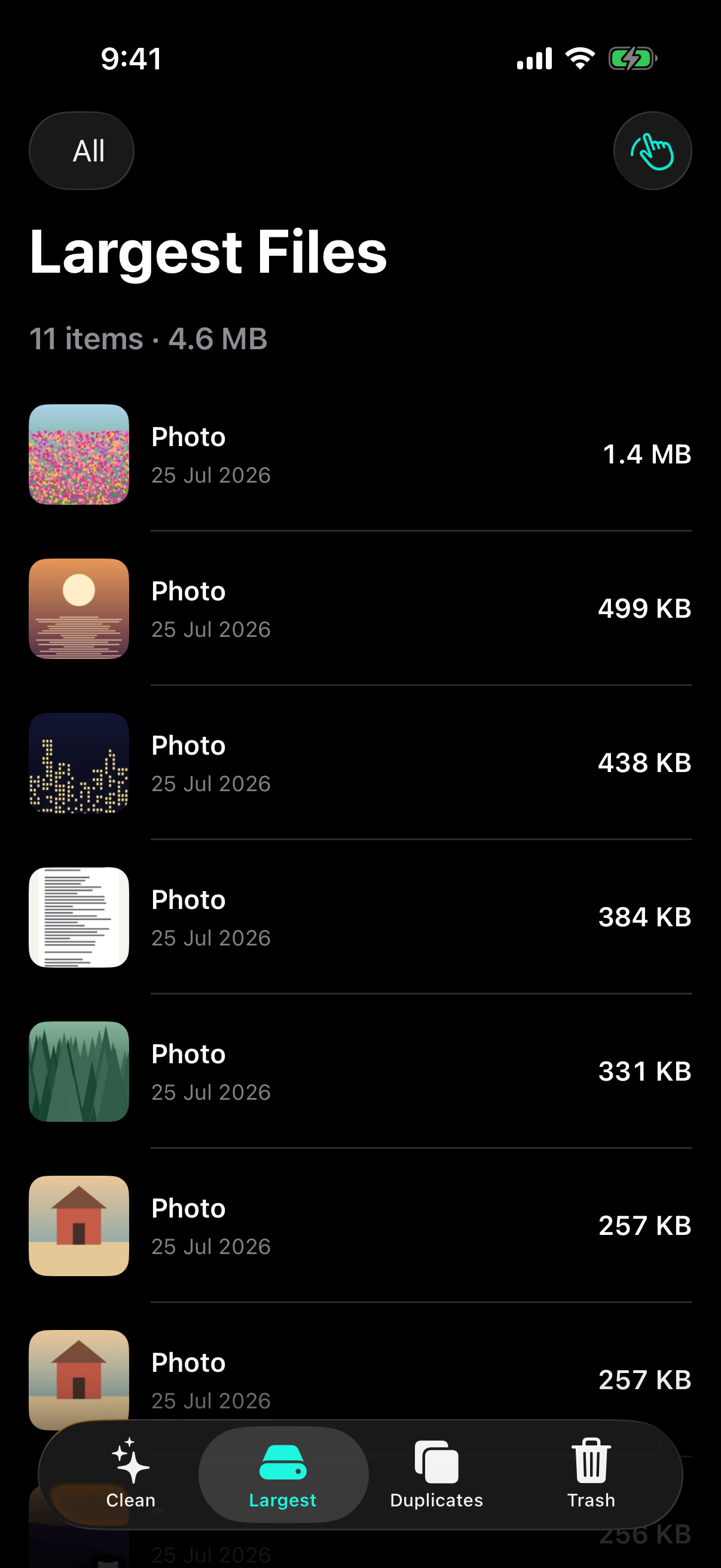
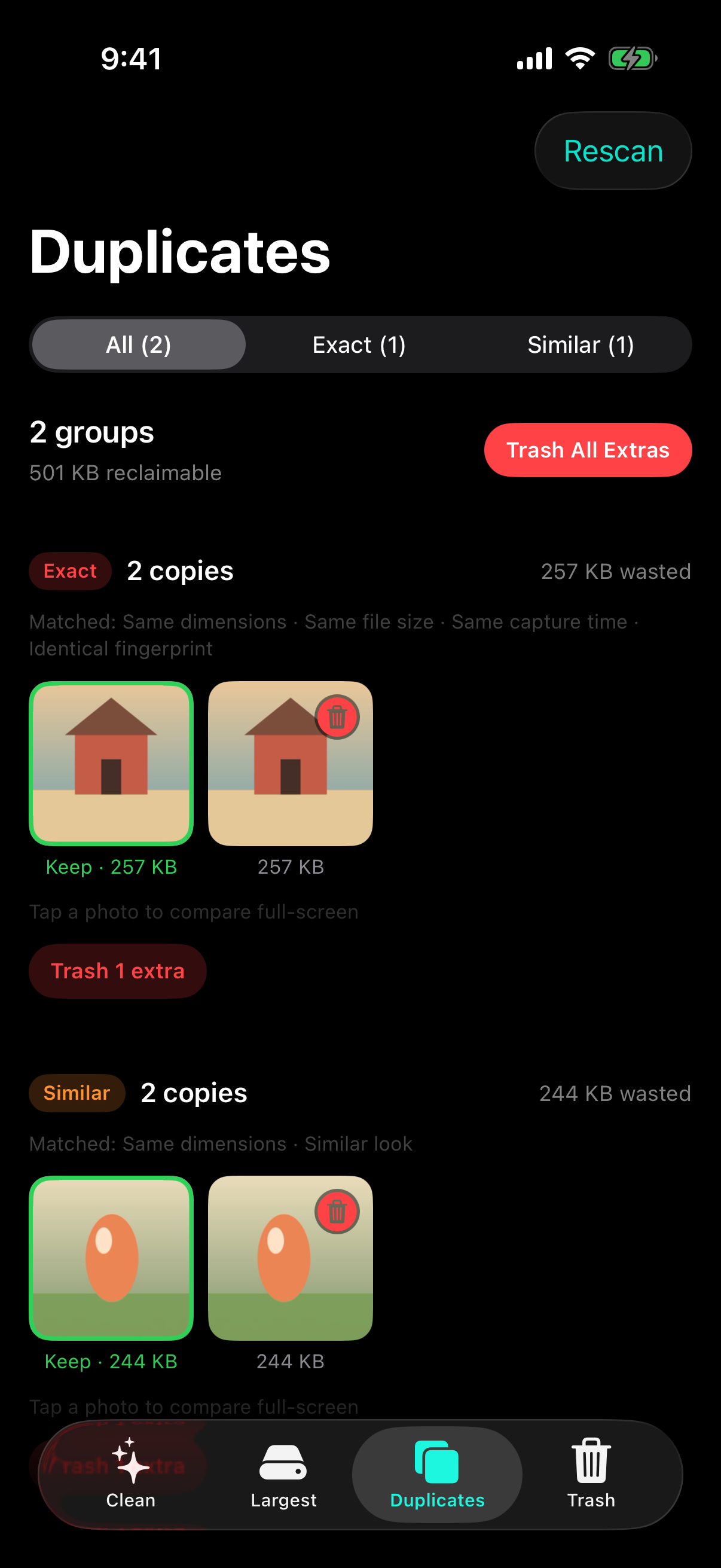
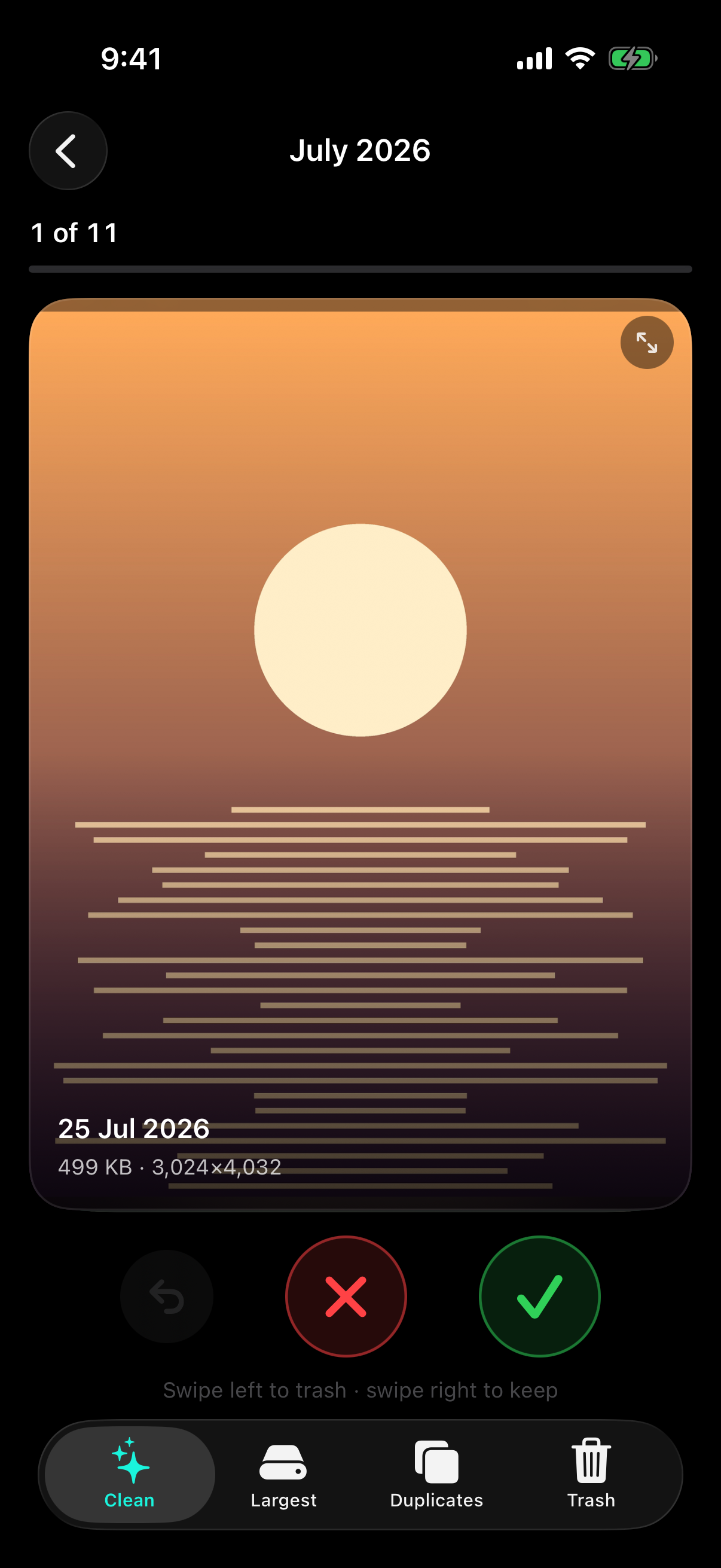
PhotoSweep shows you where your storage actually went, then makes clearing it fast. It lists every photo and video by real file size, finds exact and similar duplicates by comparing metadata and image fingerprints, and turns any month (or any date range) into a deck you swipe through: left to trash, right to keep. Everything you trash is staged in the app, not deleted, until you confirm and approve iOS's own deletion dialog. All analysis happens on your iPhone; the app has no account, no servers, and nothing to upload.
How It Works
From first launch to reclaimed space
- Grant photo library access One permission, once. Read access finds your files; write access is what lets the app move the ones you choose into Recently Deleted. Prefer to share only some photos? Limited access is fully supported.
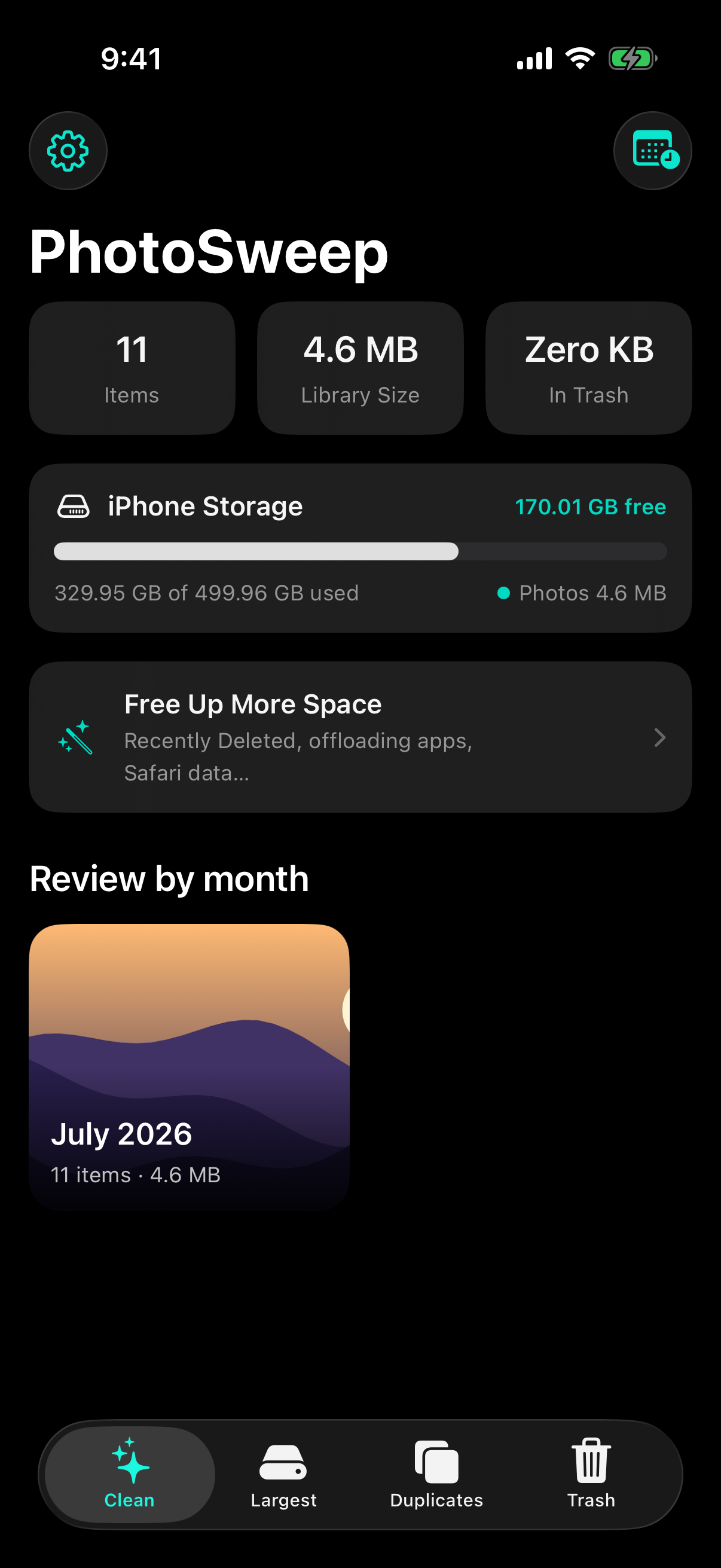
- See where the space went PhotoSweep indexes your library in the background with a visible progress card, then hands you a storage bar, a library total, and a month grid.
- Pick how you want to clean Go for the biggest offenders in Largest Files, run a duplicate scan and clear the extras, or open a month as a swipe deck.
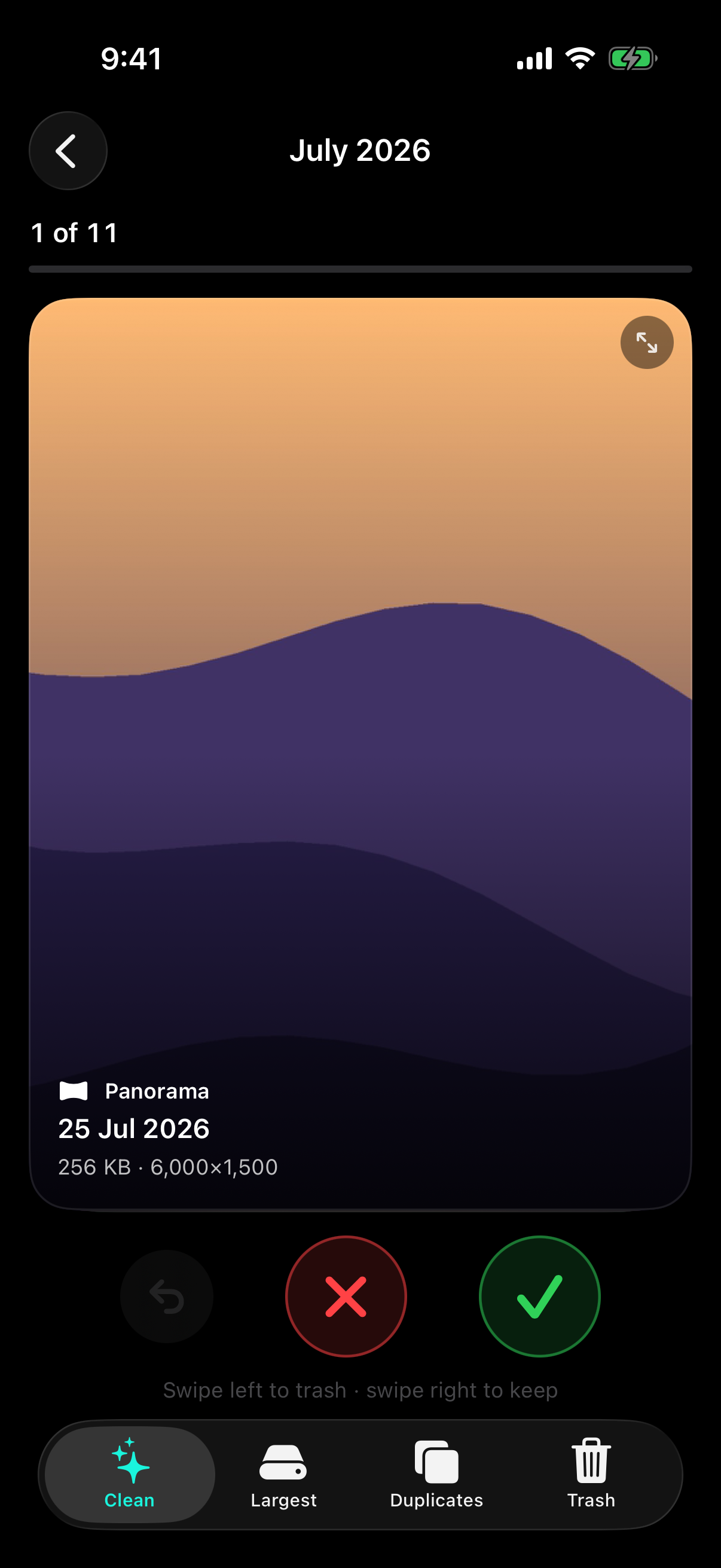
- Decide, one item at a time Swipe left to trash, right to keep. Tap to zoom if you're unsure, play the video, let the panorama pan. Undo if you were too quick.
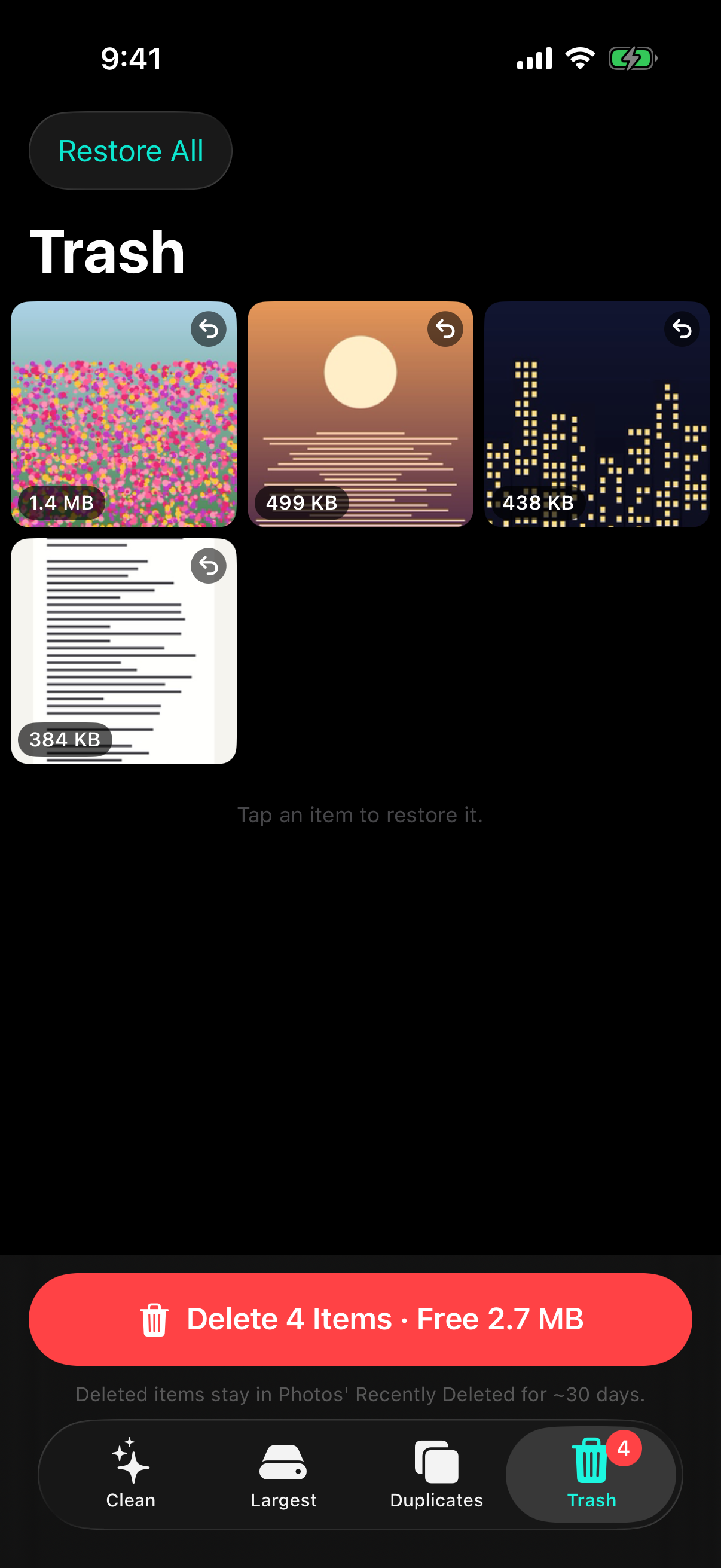
- Review the staged pile Everything you trashed is still in your library, waiting in the Trash tab. Restore anything you've changed your mind about. Nothing has been deleted yet.
- Confirm, twice A sheet names the count and the size, then iOS shows its own deletion dialog. Only after you approve that do items move to Recently Deleted, recoverable for about 30 days.
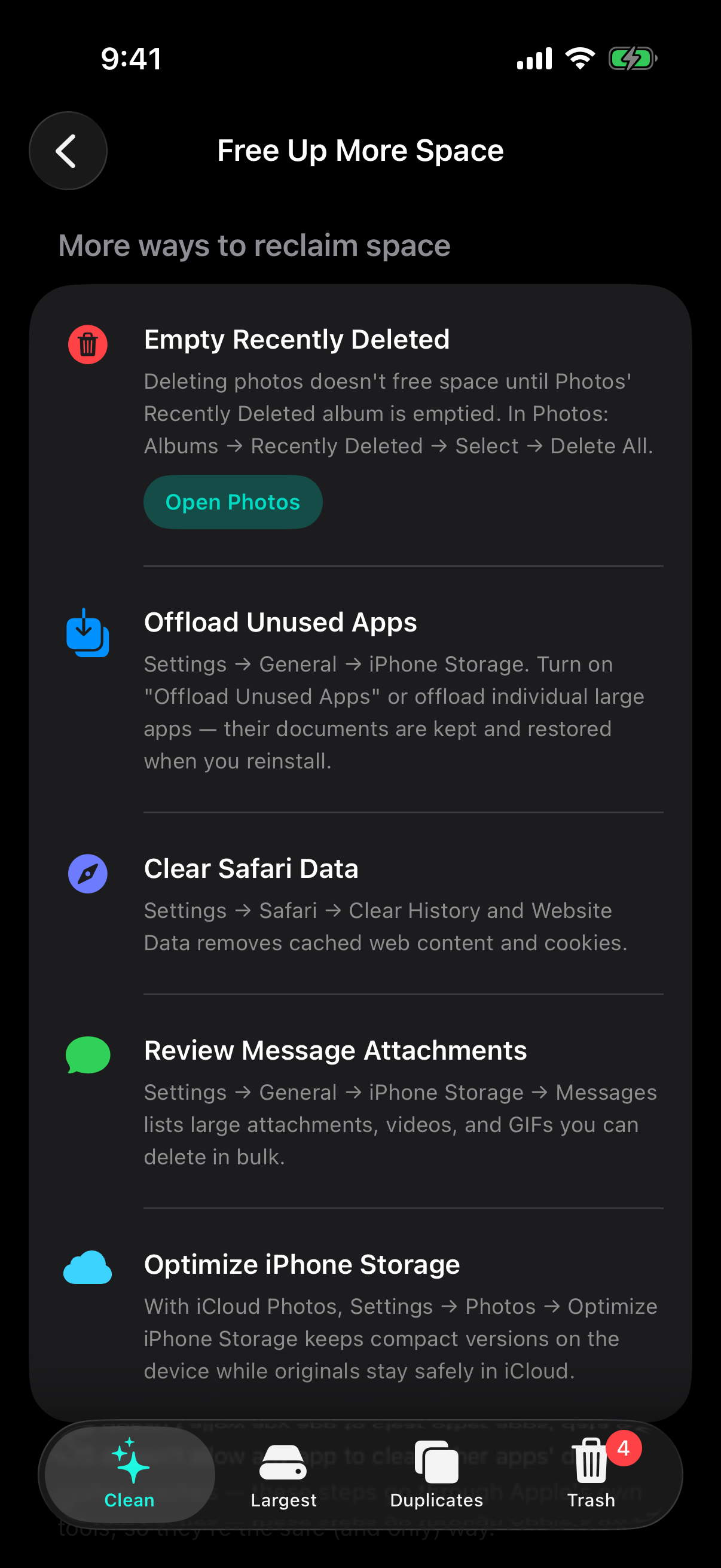
- Empty Recently Deleted to finish Storage isn't reclaimed until that album is emptied. The Free Up More Space guide has a button that takes you straight there.
Screenshots
Preview how PhotoSweep looks on iOS
Terms & Conditions
Effective date: July 25, 2026 · Last updated: July 26, 2026
By using PhotoSweep you agree to use it for personal, non-commercial purposes, and you accept that you are responsible for the deletions you confirm. The app is provided as-is, with no warranty. It is a utility that helps you find and stage photos for deletion. It is not a backup service, and it cannot recover photos once you have emptied Photos' Recently Deleted album. Read the full terms →
Privacy Policy
Effective date: July 25, 2026 · Last updated: July 26, 2026
PhotoSweep collects nothing. There is no account, no sign-in, and no server to talk to. Every scan, fingerprint, size calculation, and duplicate comparison happens on your iPhone, and your photos are never uploaded, copied, or exported. The only permission the app ever requests is photo library access, read-write, because moving a photo into Recently Deleted requires write access. Read the full policy →
Support
Need help with PhotoSweep?
If you encounter any issues, have suggestions for new features, or need help with a cleanup, reach out to us. If you're reporting a bug, the three things that help most are: your iPhone model and iOS version, roughly how many items are in your photo library, and what you were doing when it went wrong. Screenshots are welcome.
- Email: hello@cs42.org
We typically respond within 48 hours.