Passport Photos
Passport & visa photos, framed rightTake passport, visa and ID photos at home that meet the rules. Line yourself up with an outline of the face and shoulders, and the app frames the photo to the official head-size rules for 28 countries and formats, then saves an exact-size print, a print sheet for your paper, or the file an online application asks for. Nothing leaves your iPhone.
Coming soon on the App StoreNot out yet. Leave your email below and we'll send one message on launch day.
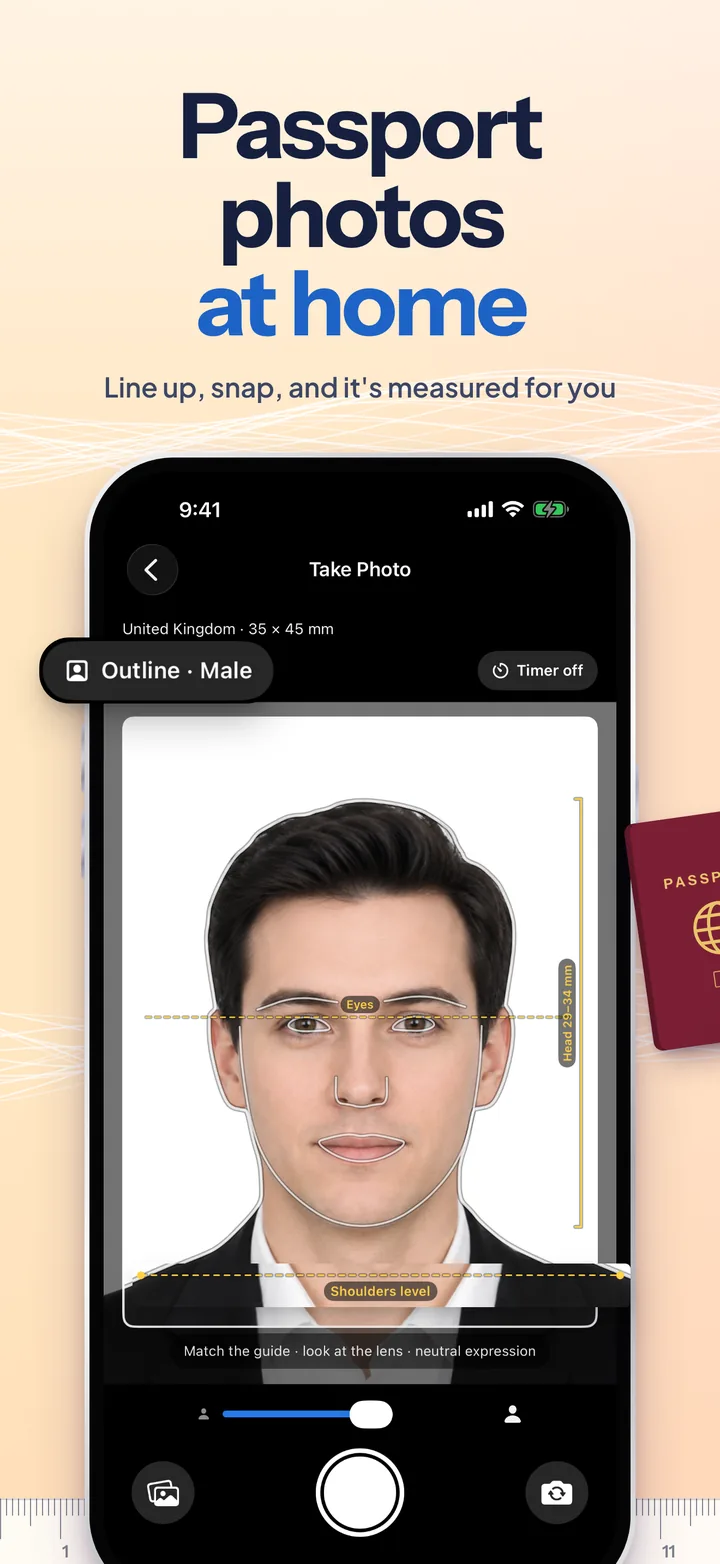
Line up with the outline.
The camera draws a reference person as clean lines: hair and head, jaw, eyes, neck and shoulders, with an eye line, a shoulders-level line and a bracket showing exactly how tall your head should be for the format you picked. Match the lines and the photo is already most of the way to compliant. Every one of the 28 formats was checked against the issuing authority's own rules in September 2026.
App Information
Quick facts about Passport Photos for iOS
About Passport Photos
What is Passport Photos?
Passport Photos turns your iPhone into a passport-photo booth. Pick the country or document, line yourself up with the outline guide, and take the picture, or import one you already have. The app measures your face, crops the photo so your head is the size the authority asks for, checks the framing rule by rule, and hands you an exact-size print, a sheet for your photo paper, or the file an online application wants. Photos never leave your iPhone.
Screenshots
The App Store set is one continuous picture, so keep swiping.
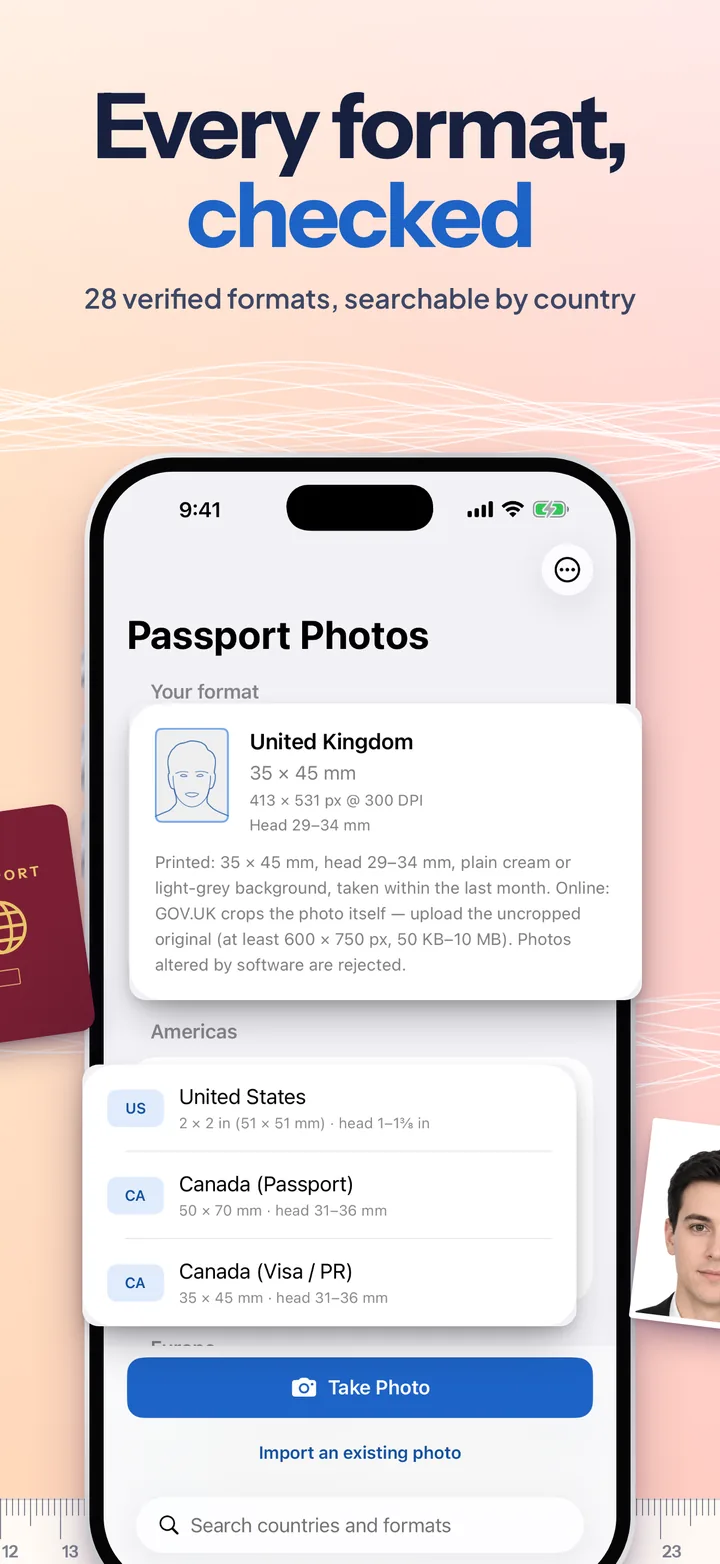
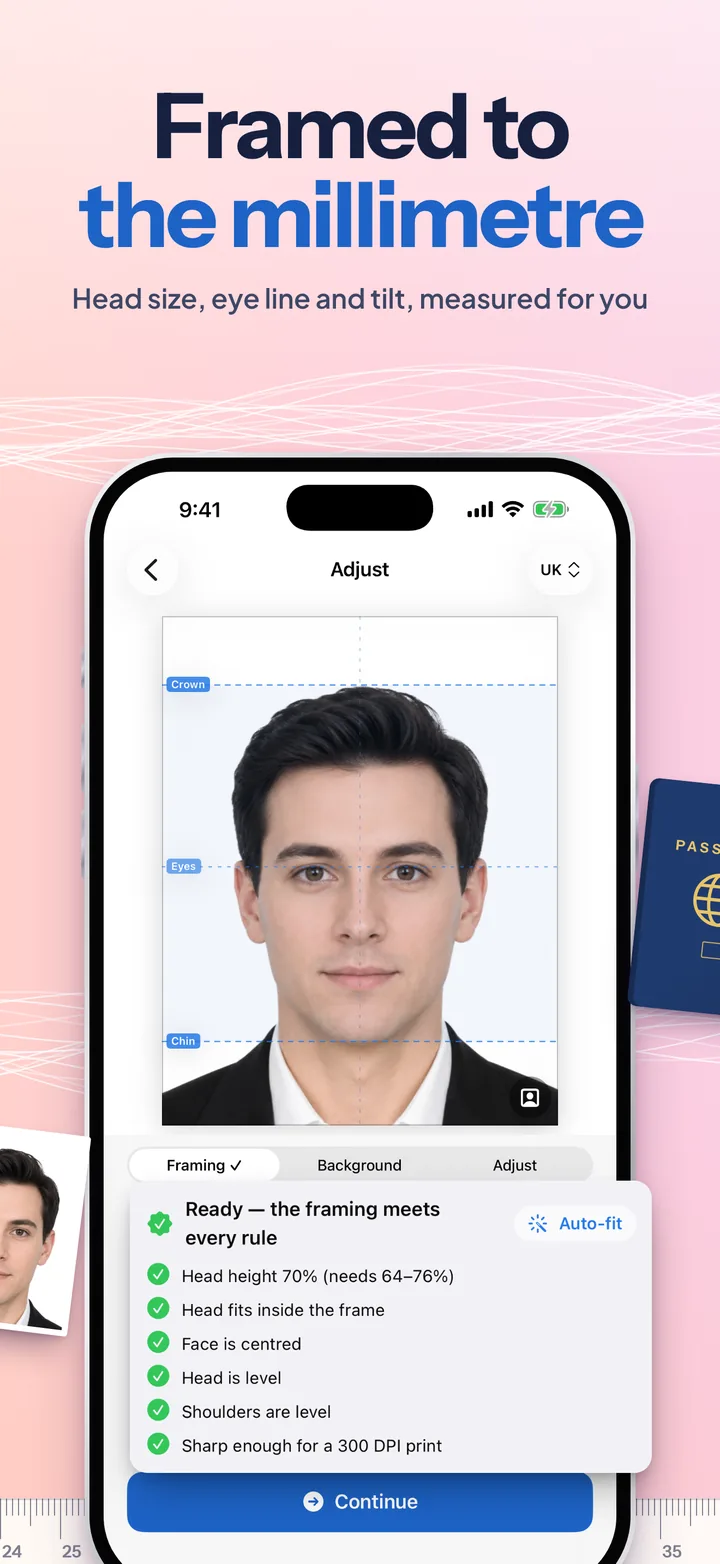
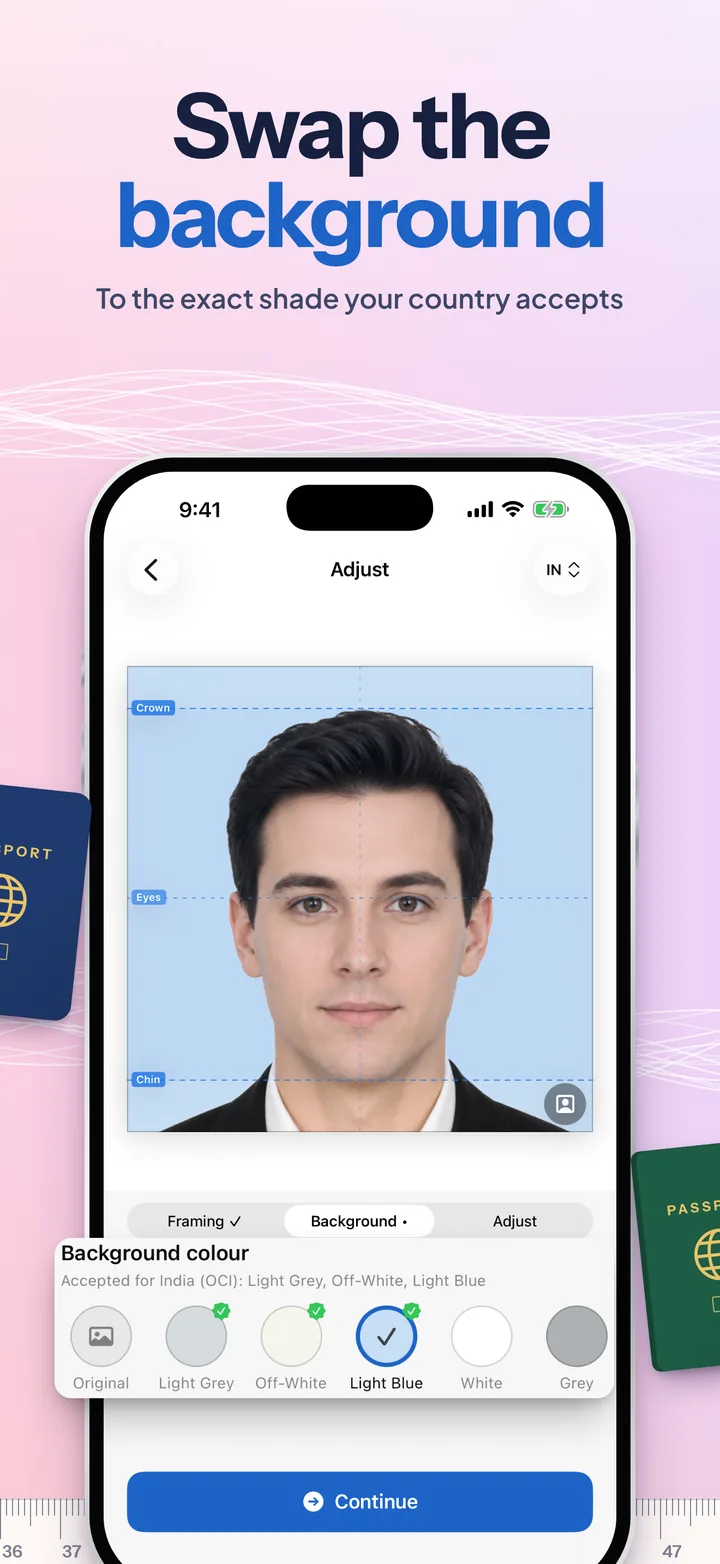
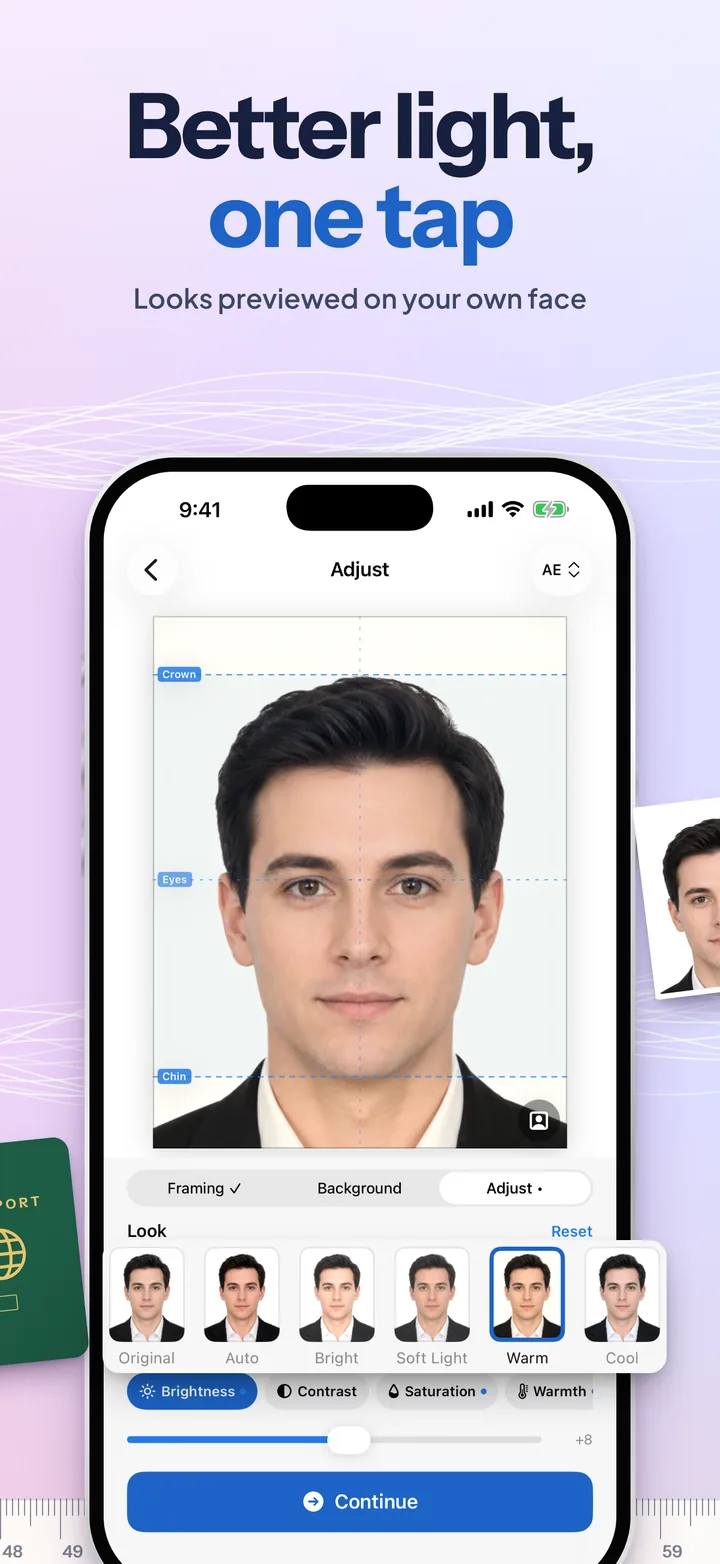
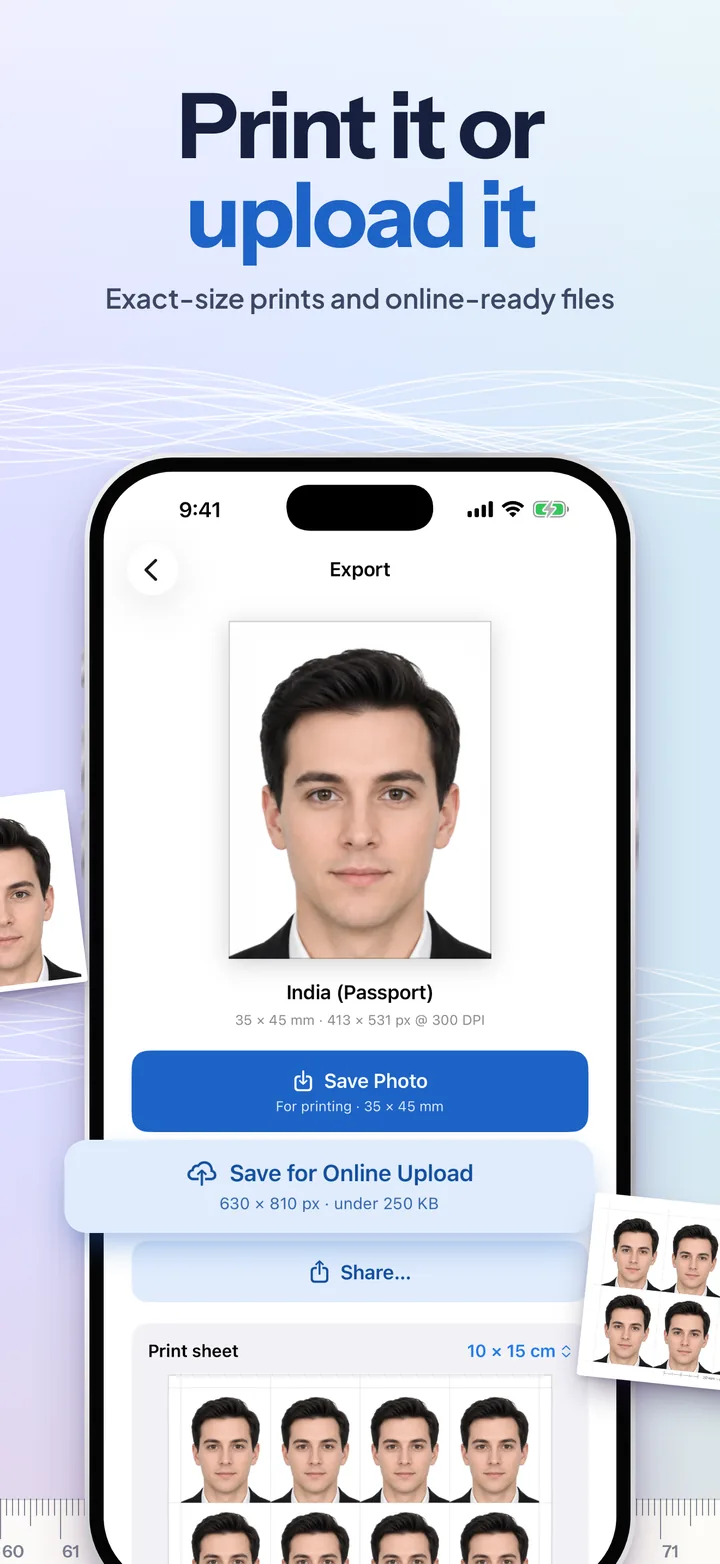
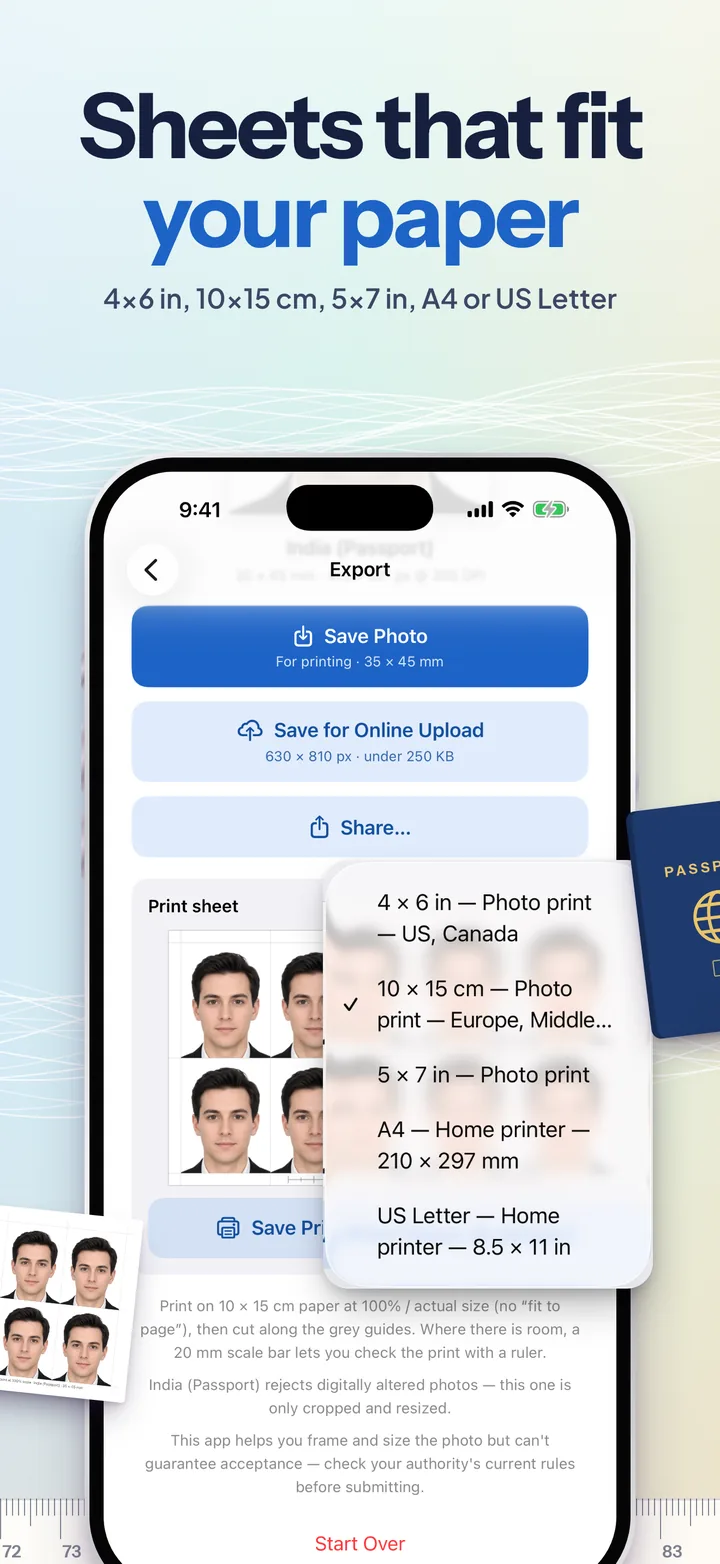
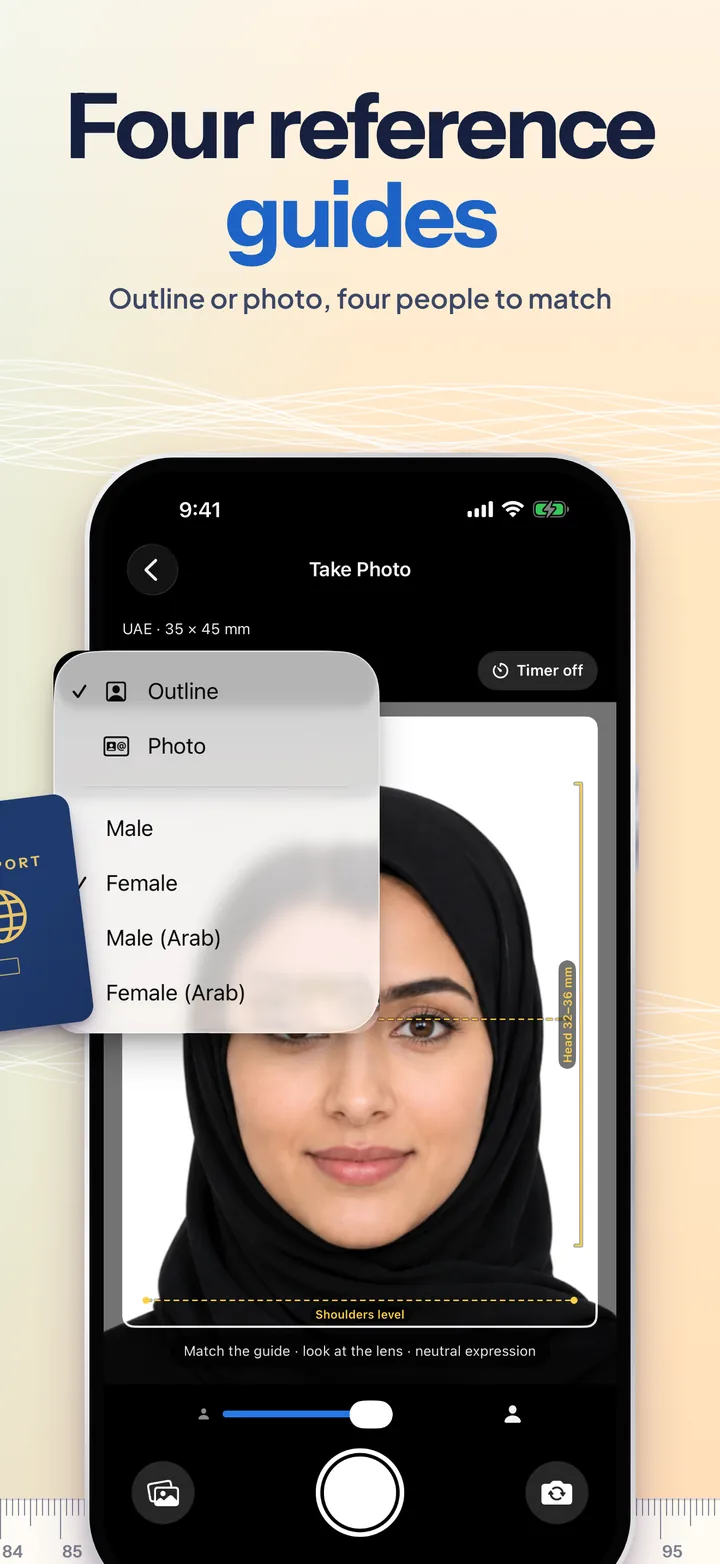
Swipe or scroll sideways: each panel picks up where the last one ends.
Every shape of photo
A few of the 28 formats, drawn to scale with the head where each authority wants it.
Plus the UK (head 29–34 mm), India (face 80–85%), Russia, Singapore, Pakistan, Jordan, Lebanon, Iraq, Morocco, South Africa, the DV lottery and more, and any custom size.
Terms & Conditions
Effective date: July 26, 2026 · Last updated: September 24, 2026
Passport Photos helps you frame and size a photo to published requirements. It is guidance, not a guarantee: authorities change their rules and apply them with varying strictness, so check the current requirements before you submit. The app is not affiliated with any government, and whether to edit a photo meant for an official document is your decision. Read the full terms →
Privacy Policy
Effective date: July 26, 2026 · Last updated: September 24, 2026
Your photos never leave your iPhone. Passport Photos has no accounts, no servers and no analytics. Face detection, background replacement and every adjustment run on the device, and finished photos are saved only where you choose. We collect nothing, so there is nothing to sell, share or delete. Read the full policy →
Support
Need help with Passport Photos?
Passport Photos isn't on the App Store yet. To hear when it is, leave your email in the launch form above. If you'd like a country added, or have a question, reach out to us. Telling us your iPhone model, iOS version and the format you picked makes it much faster to help:
- Email: hello@cs42.org
We typically respond within 48 hours.